
- Author
- Editorial Team
- Published
- Reading time
- 8 min read
Many players only discover the Mil Win account bind step when they try to withdraw for the first time and the app asks them to add a withdrawal account. If the details are entered carelessly, the withdrawal can be rejected or delayed — and changing the bound account later is often harder than binding it correctly the first time.
This guide explains what binding means, how to bind JazzCash, Easypaisa or a bank account step by step, which mistakes cause most rejections, how to change a bound account, and how to avoid people who offer to "bind it for you".
How do you bind a JazzCash or Easypaisa account in Mil Win?
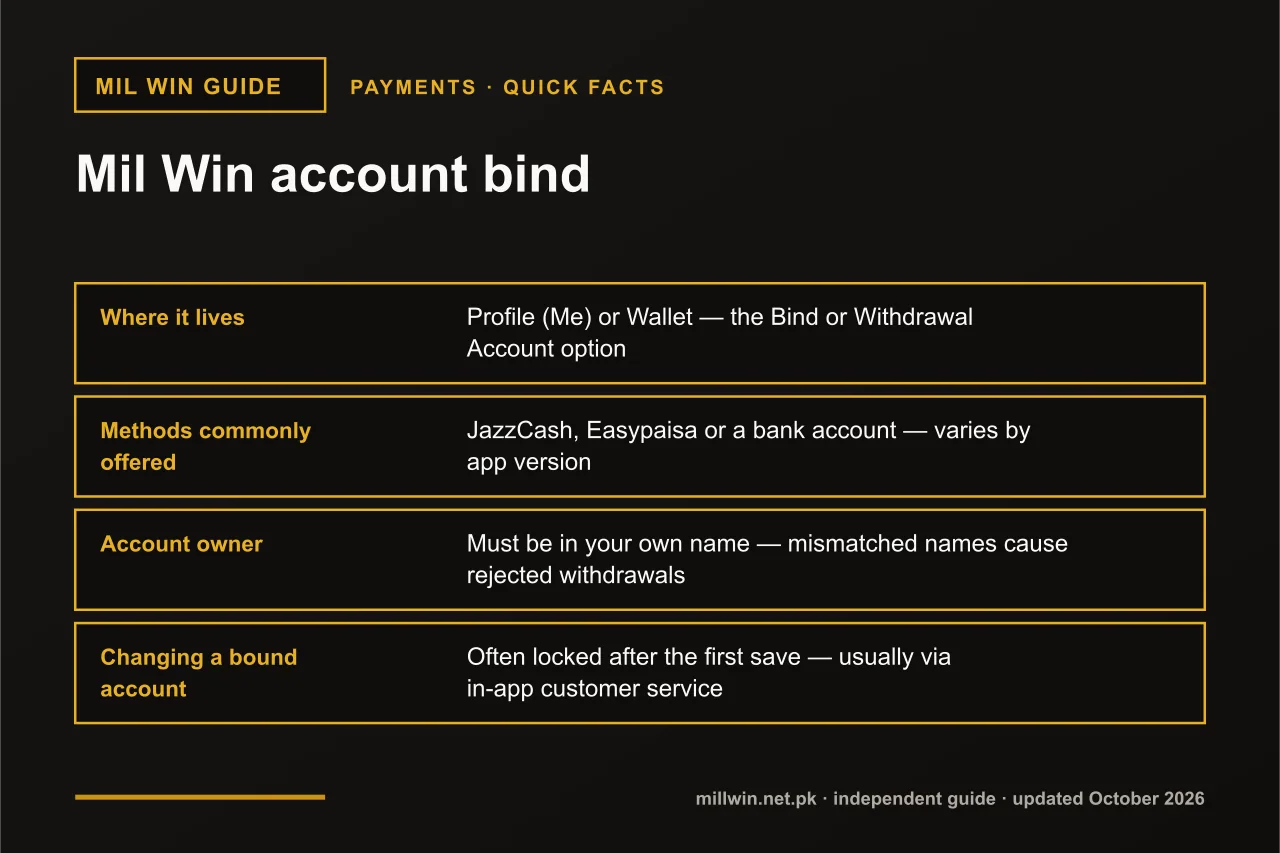
Mil Win account bind means saving a withdrawal account to your profile. Open Profile or Wallet, tap Bind or Withdrawal Account, choose JazzCash, Easypaisa or Bank, enter the account title exactly as the wallet shows it plus the wallet number or IBAN, confirm with the OTP sent to your phone, and save. Use an account in your own name.
| Quick fact | Detail |
|---|---|
| Where it lives | Profile (Me) or Wallet — the Bind or Withdrawal Account option |
| Methods commonly offered | JazzCash, Easypaisa or a bank account — varies by app version |
| Account owner | Must be in your own name — mismatched names cause rejected withdrawals |
| Changing a bound account | Often locked after the first save — usually via in-app customer service |
| Last updated | 10 October 2026 |
Key Takeaways
- Binding in Mil Win saves one verified withdrawal account that all payouts are sent to.
- Bind only a JazzCash, Easypaisa or bank account registered in your own name to Mil Win.
- Copy the account title character-for-character from your wallet app; small spelling differences can get Mil Win withdrawals rejected.
- Genuine Mil Win support never asks for your OTP, password or wallet MPIN to bind an account.
What Does "Bind Account" Mean in Mil Win?
Binding means saving your withdrawal details — usually a mobile wallet or bank account, and sometimes your phone number — to your Mil Win account. Once bound, withdrawals are sent to that saved destination instead of an address you type in each time.
On many apps of this type, binding is commonly required before the first withdrawal can be requested. Some versions ask for it during registration, others only when you open the withdrawal screen. Either way, the purpose is the same: payouts go to one verified account that belongs to the account holder.
People search for this in different ways — "mil win bind account", "milwin bind account", "mil win wallet bind", "mil win add bank account" or "mil win withdrawal account" — but they all describe this same screen. Searches such as "mil win bind JazzCash" and "mil win bind Easypaisa" are simply the wallet-specific version of the same step.
Before You Start: What You Need
- your logged-in Mil Win account on your own phone;
- an active JazzCash or Easypaisa account, or a bank account, registered in your own name;
- the exact account title as it appears in that wallet or bank app;
- the wallet mobile number or your IBAN;
- the phone that receives OTPs for your Mil Win account, in your hand.
Open your JazzCash or Easypaisa app first and check the account title shown on your profile. That exact spelling is what you will copy.
JazzCash, Easypaisa or Bank: Which Should You Bind?
Which methods appear depends on the current app, and none is automatically better. The right choice is the account you control fully and can check quickly when a payout is on its way.
| Method | Usually identified by | Good choice when |
|---|---|---|
| JazzCash | The mobile number registered with your JazzCash wallet. | Your Jazz wallet is in your own name and you check it daily. |
| Easypaisa | The mobile number registered with your Easypaisa account. | You already use Easypaisa for bills and transfers and know its account title. |
| Bank account | Your account title and 24-character IBAN. | The app offers bank payouts and you prefer to keep money away from mobile wallets. |
Whichever you choose, the wallet or bank account must be fully active. A wallet with incomplete biometric verification, a blocked SIM, or a dormant bank account can reject incoming payments even when the binding itself looks correct.
How to Bind JazzCash, Easypaisa or a Bank Account
The exact labels vary, but the flow on most versions looks like this:
- Open the app and go to Profile (or Me) or the Wallet section.
- Tap the option labelled Bind, Withdrawal Account, Add Account or similar.
- Choose the method: JazzCash, Easypaisa or Bank, depending on what is offered.
- Enter the account title exactly as registered with the wallet or bank.
- Enter the wallet mobile number in the format the form asks for, or your IBAN for a bank.
- Request the OTP. It should arrive on your own phone — enter it only inside the app.
- Review every field once more, then tap Confirm or Submit.
- Check that the bound account now appears on the withdrawal screen, and take a screenshot for your records.
If the form offers both JazzCash and Easypaisa, bind the one you use most and can access easily. A wallet you rarely open is harder to check when a payout is pending.
Read the Mil Win withdrawal guide →
Field-by-Field: What to Enter and Common Mistakes
| Field | What to enter | Common mistake |
|---|---|---|
| Account title / Name | Your name exactly as it appears in your JazzCash, Easypaisa or bank account. | Using a nickname, a shortened name, or a different spelling (e.g. "Muhammad" vs "Muhammed"). |
| Wallet mobile number | The number linked to your wallet, in the format the form shows (often 03xxxxxxxxx). | Typing +92 when the form expects 03xx, or adding spaces and dashes. |
| IBAN (bank) | Your full 24-character Pakistani IBAN starting with PK. | A missing or swapped character, or entering the account number instead of the IBAN. |
| Method / Bank name | The wallet or bank that actually holds the account. | Choosing JazzCash for an Easypaisa number, or the wrong bank from a long list. |
| Owner of the account | An account in your own name. | Binding a relative's, friend's or agent's wallet — the name will not match your account. |
| OTP | The code sent to your own phone, entered only inside the app. | Sharing the code with someone "helping" you, or letting it expire and requesting many new ones. |
Why Does a Name Mismatch Cause Rejected Withdrawals?
When a payout is sent, the name on the bound account may be compared with the name the receiving wallet or bank holds. If they do not match, the payment processor can refuse the transfer, or the platform may hold it for a manual check. In both cases the money does not arrive when you expect it.
Small differences matter: an extra middle name, a missing "Bibi" or "Khan", or a different spelling can be enough. Copy the title character-for-character from your wallet app rather than typing it from memory.
If a withdrawal already shows as completed but nothing reached your wallet, follow the dedicated troubleshooting steps.
See why a completed withdrawal may not arrive →
What Happens After Binding?
Once saved, the bound account normally appears pre-filled on the withdrawal screen, sometimes with part of the number hidden. Each withdrawal request is then sent to that destination after any checks the platform runs, such as a turnover requirement or a review of the request.
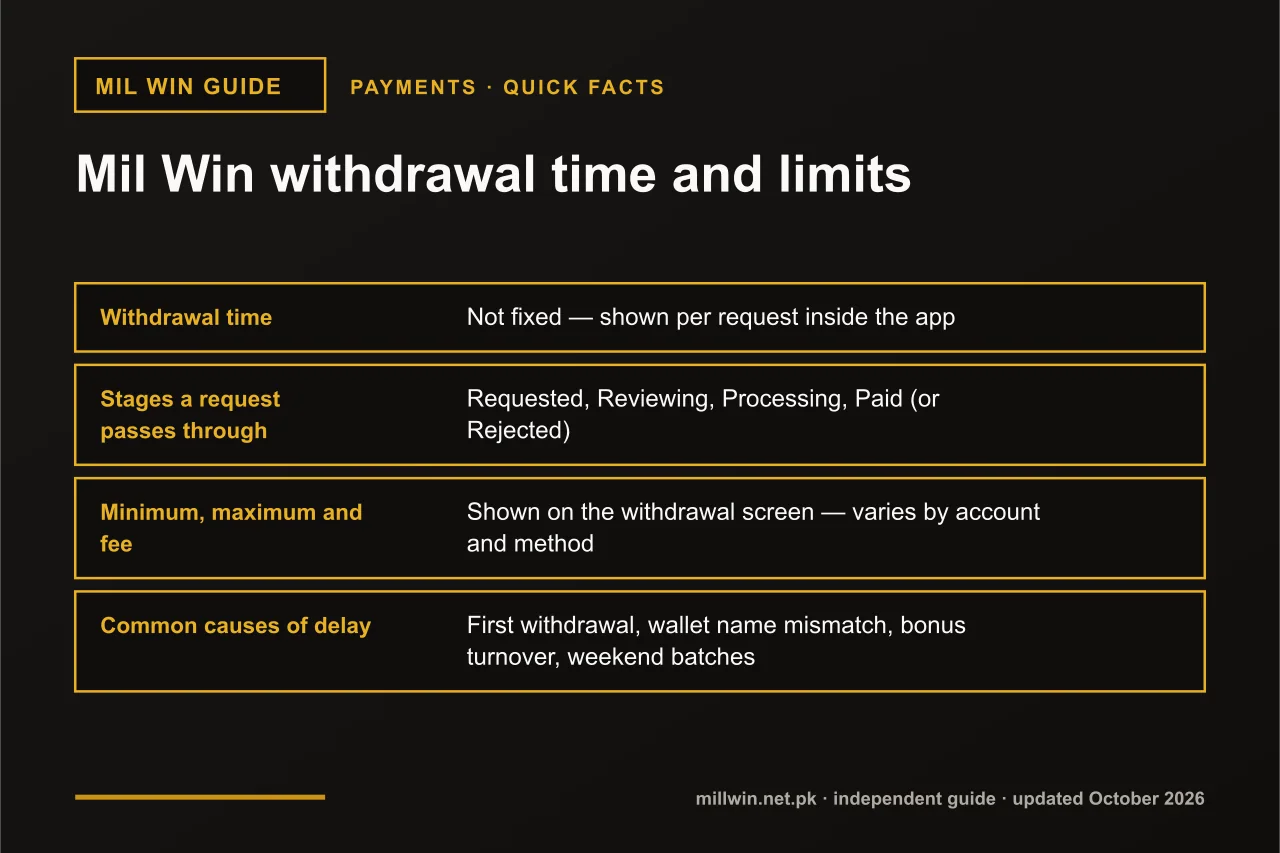
Processing times, minimums and limits vary and can change, so check the figures shown inside your own account rather than numbers quoted on other websites. For a first withdrawal, a small test amount confirms that the binding works before you rely on it for larger sums.
Can You Change a Bound Withdrawal Account?
Searches for "mil win change withdrawal account" are common, and the answer is usually: yes, but not always by yourself. Many platforms lock the bound account after the first save, so a change may have to go through in-app customer service and may require extra verification, such as confirming your registered number or answering questions about recent deposits.
This restriction exists for fraud prevention. If anyone who stole a password could instantly swap the withdrawal wallet, they could empty the account within minutes. Locking the binding means a thief also needs control of your phone and your identity details.
When requesting a change, give support your user ID, the old and new wallet details, the reason for the change, and a screenshot of the new wallet's profile page showing your name. Never include your password, OTP or MPIN.
Read how to contact Mil Win customer service →
Bind Errors and How to Fix Them
Messages differ between app versions, but most bind failures fall into a few patterns:
- OTP not arriving — check signal, SMS inbox space and DND settings, wait for the resend timer instead of tapping repeatedly, and confirm the registered number is still active.
- "Account already bound" or "number in use" — the wallet may be linked to another account, possibly an old one of yours; contact in-app support rather than creating new accounts.
- "Invalid format" — remove spaces, dashes and the +92 prefix if the form expects 03xx, and recheck the IBAN length.
- The Bind button does nothing — check your connection, update the app, close it fully and try again.
- Bind option missing — some versions only show it on the withdrawal screen, or after a first deposit; look there before assuming it is broken.
See the causes of a missing verification code →
Scams Around Account Binding
Because binding controls where money goes, it is a favourite target for scammers. Watch for these patterns on WhatsApp, Facebook, Telegram and YouTube comments:
- "Agents" offering to bind your account for you if you send your login and OTP;
- anyone asking for your JazzCash or Easypaisa MPIN — a real platform never needs it to bind or pay out;
- requests to bind their wallet "temporarily" so they can withdraw on your behalf;
- a "verification fee" or "unlock fee" before binding or withdrawal;
- links to a look-alike app or website asking you to re-enter wallet details.
A Quick Safe-Binding Checklist
- Bind only a wallet or bank account in your own name.
- Copy the account title exactly from your wallet or bank app.
- Use the number format the form shows.
- Enter the OTP yourself, inside the app only.
- Screenshot the bound account once saved.
- Make a small first withdrawal to test the binding before relying on it.
- Keep deposit and withdrawal references until each transaction is complete.
Binding the same wallet you deposit from can also make records easier to match if a payment ever needs checking.
Open the guide to adding funds →
Read how long a Mil Win withdrawal takes →
See why Mil Win accounts get suspended →
Conclusion
The Mil Win account bind step takes two minutes, but it decides where your money goes. Use your own JazzCash, Easypaisa or bank account, copy the name exactly, enter the OTP yourself, and keep a screenshot. If you ever need to change it, go through in-app support and expect a verification step — that friction protects you.
Real-money gaming is for adults 18+ and losses are possible, so only withdraw to, and play with, money you can account for.
Frequently Asked Questions
Do I need to bind an account before withdrawing from Mil Win?
In most versions, yes — a withdrawal account is commonly required before the first withdrawal. Check the withdrawal screen in your own app to see exactly what it asks for.
How do I bind JazzCash or Easypaisa to Mil Win?
Go to Profile or Wallet, open the Bind or Withdrawal Account option, choose JazzCash or Easypaisa, enter the account title exactly as registered and the wallet number, confirm with the OTP sent to your phone, and save.
Can I bind someone else's JazzCash or Easypaisa account?
It is strongly discouraged. The account title will not match your Mil Win account, which can cause rejected or held withdrawals, and it gives another person control over your payouts.
How do I change my Mil Win withdrawal account?
Look for an edit option first. If the account is locked, contact in-app customer service with your user ID, old and new wallet details and a reason. Expect extra verification — this protects against account takeover.
Why does Mil Win say my account is already bound?
The wallet or number may already be linked to another account, possibly an older one of yours. Contact in-app support instead of opening new accounts.
Will support ask for my OTP or MPIN to bind my account?
No. Genuine support never needs your OTP, password or wallet MPIN. Anyone asking for them is attempting a scam.
Related reading
- Payments
 Mil Win Withdrawal Time and Limits: How Long It Takes and How Much You Can Take Out
Payments · 10 min read
Mil Win Withdrawal Time and Limits: How Long It Takes and How Much You Can Take Out
- Payments
 Mil Win Withdrawal Completed but Money Not Received
Payments · 2 min read
Mil Win Withdrawal Completed but Money Not Received
- Payments
 Mil Win Deposit Successful but Balance Not Updated
Payments · 2 min read
Mil Win Deposit Successful but Balance Not Updated