
- Author
- Editorial Team
- Published
- Reading time
- 8 min read
When a deposit does not show, a withdrawal is late or you cannot log in, the first instinct is to search for a Mil Win customer service number. That search is exactly where many players run into trouble, because the top results are often unofficial numbers, WhatsApp contacts and Telegram handles posted by people who are not the platform.
This guide explains where real support is usually found, why you should not trust contact numbers posted online, how to write a message that gets solved quickly, and what to do if nobody replies.
How do you contact Mil Win customer service?
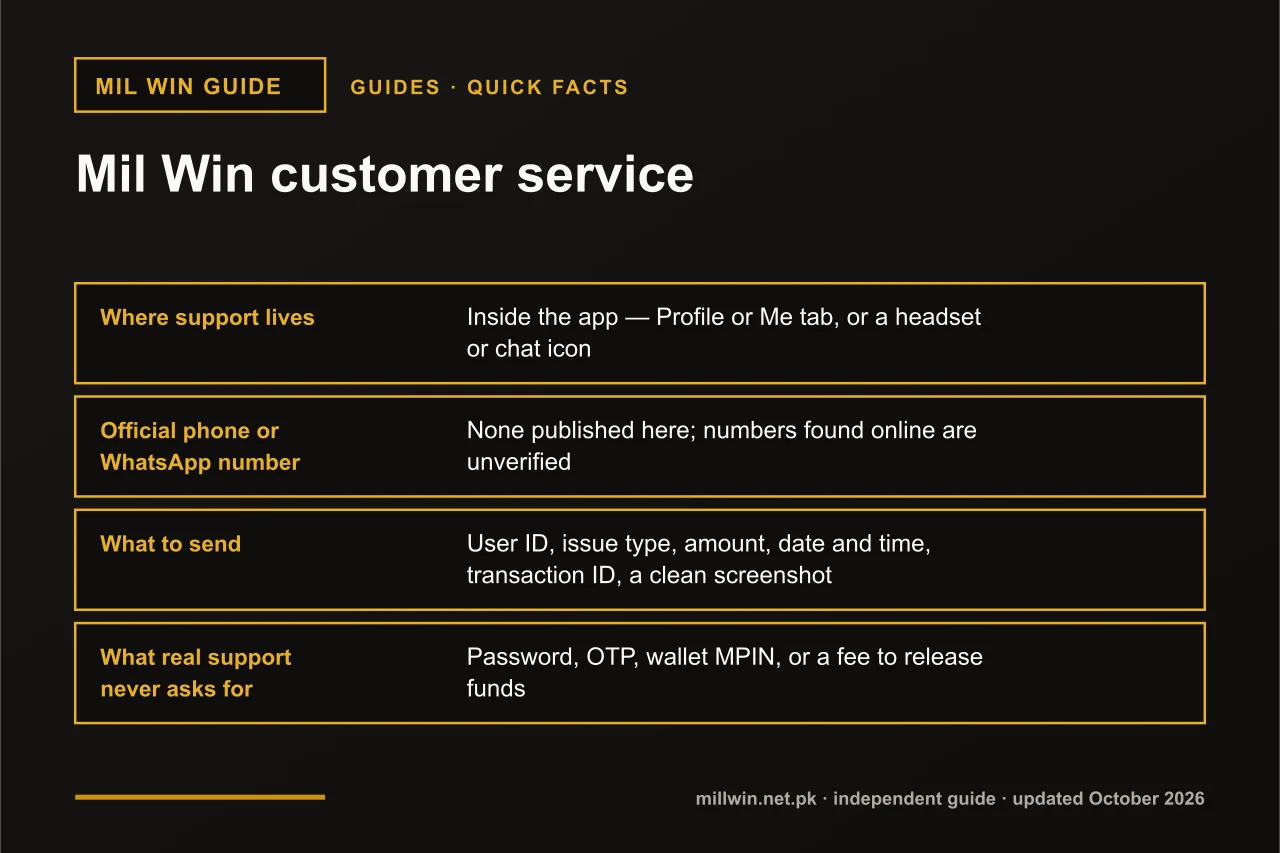
Mil Win customer service is reached from inside the app, usually under Profile or Me as Customer Service, Support or Online Service, or through a headset or chat icon. This site publishes no phone, WhatsApp or Telegram contact for Mil Win, because numbers posted online are unverified and often used by impersonators. Include your user ID and transaction ID.
| Quick fact | Detail |
|---|---|
| Where support lives | Inside the app — Profile or Me tab, or a headset or chat icon |
| Official phone or WhatsApp number | None published here; numbers found online are unverified |
| What to send | User ID, issue type, amount, date and time, transaction ID, a clean screenshot |
| What real support never asks for | Password, OTP, wallet MPIN, or a fee to release funds |
| Last updated | 10 October 2026 |
Key Takeaways
- The safest Mil Win customer service channel is the support or live-chat option inside your own app.
- Mil Win helpline and WhatsApp numbers posted on websites or social media are unverified and often scams.
- Send Mil Win support your user ID, amount, time, transaction ID and a screenshot in the first message.
- Real Mil Win support never asks for your password, OTP, MPIN or a fee to release money.
Where Is Mil Win Customer Service in the App?
On most versions, Mil Win customer care is reached through an option inside the app itself. Common places to look are:
- the Profile or Me tab, under an entry such as Customer Service, Support, Help or Online Service;
- a headset or chat-bubble icon on the home screen or wallet screen;
- a Help or Contact link on the deposit and withdrawal pages;
- a help centre or FAQ section that leads to live chat (what many people search as "mil win live chat").
Labels and positions change between app versions, so check your current app. If you cannot open the app at all, fix that first — support inside the app is the channel tied to your actual account.
See how Mil Win account access works →
Why Helpline Numbers Posted Online Are Risky
Searches like "mil win contact number", "mil win helpline" and "mil win whatsapp number" return plenty of results on websites, YouTube descriptions and Facebook pages. Anyone can post a number with a Mil Win logo next to it, and there is no easy way for you to verify who is on the other end.
Impersonation scams follow a familiar script. The fake agent is friendly and quick, asks for your login number, then your OTP "for verification", and sometimes your JazzCash or Easypaisa MPIN. Others say your withdrawal is "stuck" and needs a release fee. Once they have the OTP, they can take over the account, change the bound withdrawal wallet and drain the balance.
Be especially careful if someone contacts you first. Real support does not usually message players out of the blue on WhatsApp or by phone call after you post a complaint in a comment section. An unexpected "agent" who already knows your problem has most likely read your public post.
The same caution applies to websites claiming to be official. If you are unsure which site or app is genuine, check it before contacting anyone.
Read how to find the real Mil Win website →
What Real Support Will Never Ask For
Genuine customer service may ask for your user ID, a transaction ID or a screenshot. It should never ask for:
- your password;
- any OTP or verification code sent to your phone;
- your JazzCash or Easypaisa MPIN or PIN;
- a "fee", "tax" or "unlock charge" to release a deposit or withdrawal;
- remote access to your phone, or installing a screen-sharing app;
- a move to a personal WhatsApp or Telegram chat to "continue the case".
If any of these happen, stop replying, change your password from inside the app, and do not send money.
Quick Checks Before You Contact Support
A few minutes of checking can save hours of waiting for a reply, and it also means your message will contain the facts support needs. Before opening a chat, run through these:
- Open History or Records in the app and find the exact transaction or round you are asking about.
- Check your JazzCash or Easypaisa app for the matching debit or credit and note the transaction ID.
- Note the status the app shows — pending, processing, failed or completed — because it changes what support can do.
- Close and reopen the app, or log out and back in, so the balance refreshes.
- Confirm your internet connection is stable and the app is on the current version.
- Read any notice or announcement in the app; a known delay may already be explained there.
If the issue is still there after these checks, you have everything you need for a strong first message.
How to Write a Support Message That Gets Solved Fast
Most delays happen because the first message says only "my money is not coming". Support then has to ask for details one by one, and each reply may take hours. Send everything in the first message instead. Here is a template you can copy and fill in:
User ID: [your in-app user ID]
Issue type: [deposit not showing / withdrawal not received / login / OTP / bind account / app not opening]
Amount: PKR [amount]
Date and time: [e.g. 10 Oct 2026, 9:40 PM]
Payment method: [JazzCash / Easypaisa / bank]
Transaction ID: [from the wallet SMS or app receipt]
What happened: [one or two plain sentences]
Attached: screenshot of receipt / history entry (no OTP, password or MPIN visible)
Before attaching screenshots, crop or cover anything showing an OTP, password, MPIN or full card details. The transaction ID, amount, date and the last few digits of the wallet number are usually enough.
Tips for the live-chat conversation
Write in simple English or Roman Urdu, one issue per conversation. If you have both a deposit and a login problem, solve the more urgent one first. Answer follow-up questions in the same thread, and keep the chat open rather than starting over, because a new chat may reach a different agent with no history of your case.
When support gives you a case or ticket number, save it with a screenshot. If they say a payment is being checked, ask roughly how long it normally takes and note the answer, so you know when a follow-up is reasonable.
What to Include for Each Type of Issue
| Issue type | What to include | Related guide |
|---|---|---|
| Deposit not showing | Amount, wallet used, transaction ID from the JazzCash/Easypaisa receipt, exact time, screenshot of the receipt. | Mil Win deposit not showing |
| Withdrawal not received | Withdrawal amount, request time, status shown in the app, bound wallet (last digits), withdrawal reference. | Mil Win withdrawal not received |
| OTP not arriving | Registered number (last digits), the screen where you requested it, how many times you tried, your network. | Mil Win OTP not received |
| Cannot log in | Registered number, the exact error message, whether a password reset was attempted. | Mil Win login guide |
| Bind / change withdrawal account | User ID, current and new wallet details, reason for change, screenshot of the new wallet profile showing your name. | Mil Win account bind |
| App not opening | Phone model, Android version, app version, what happens on launch, whether reinstalling was tried. | Mil Win app not opening |
Many of these problems can be solved without support at all. A deposit may simply need more time to reflect, for example.
See what to do when a deposit does not appear →
Likewise, a withdrawal can show as processing for a while before it reaches your wallet, and the steps to check differ from a deposit.
Read what to do when a Mil Win withdrawal is not received →
Verification codes are another frequent cause of support tickets that could be fixed on the phone itself — signal, a full SMS inbox or DND settings.
Read what to do when the Mil Win OTP does not arrive →
And if your question is about linking or changing a JazzCash, Easypaisa or bank account, read how binding works before opening a ticket.
Read how to bind a wallet to your Mil Win account →
What If Mil Win Support Does Not Reply?
Response times vary with demand and time of day, and there is no fixed promise we can quote. If you do not get an answer, escalate calmly and in order:
- Wait a reasonable time — at least several hours, longer at night or on weekends — without sending repeated messages.
- Send one follow-up in the same chat thread, quoting your user ID and the original details, so the case stays together.
- Keep records: screenshots of your messages, receipts, history entries and timestamps.
- Do not open new accounts or new tickets for the same issue; duplicates can slow things down.
- For a wallet-side problem — money left your JazzCash or Easypaisa but the transaction looks failed or reversed — contact JazzCash or Easypaisa through their own official apps or helplines listed inside those apps.
- Never switch to a contact someone offers in comments or groups because they "know an agent".
Making a Complaint Effectively
If you need to raise a Mil Win complaint about a decision — a withdrawal rejected, a bonus removed, or a balance you think is wrong — keep it factual. State what happened, when, what you expected, and what you are asking for, and attach the history entries. Emotional messages and threats rarely speed anything up; clear evidence usually does.
Read the relevant rules in the app before complaining. Turnover requirements and bonus terms are common reasons for a held withdrawal, and knowing the rule lets you ask a precise question. Remember that real-money gaming is for adults 18+ and that losses during play are not something support can reverse.
Read what to do when a Mil Win account is banned or frozen →
Read what to do when Mil Win login is not working →
See how to check Mil Win withdrawal limits →
Conclusion
The safest Mil Win customer service is the one you open from inside your own app. Skip the helpline numbers and WhatsApp contacts posted online, send one complete message with your user ID, amount, time, transaction ID and a clean screenshot, and never share your password, OTP or MPIN.
Whether you search for milwin customer service, milwin support or mil win customer care, the answer is the same: use the in-app channel, keep records, and stay patient rather than paying anyone to "help".
Frequently Asked Questions
How do I contact Mil Win customer service?
Use the support or live-chat option inside the app, commonly under Profile or Me, or through a headset or chat icon. Contact details posted on websites or social media are not verified.
What is the Mil Win customer care number or WhatsApp number?
We do not publish one, and we recommend not trusting numbers found online. Many are impersonation scams. Reach support from inside your own app instead.
Will Mil Win support ask for my OTP or password?
No. Genuine support never needs your OTP, password or wallet MPIN, and never asks for a fee to release funds. Anyone who does is attempting a scam.
What should I send to Mil Win support about a missing deposit?
Your user ID, the amount, date and time, payment method, the transaction ID from the JazzCash or Easypaisa receipt, and a screenshot with no OTP or password visible.
What can I do if Mil Win support does not reply?
Wait a reasonable time, send one follow-up in the same chat, and keep records. For problems on the wallet side, contact JazzCash or Easypaisa through their official apps.
How do I make a Mil Win complaint?
Send a factual message through in-app support stating what happened, when, what you expected and what you are asking for, with screenshots of the relevant history entries attached.
Related reading
- Guides
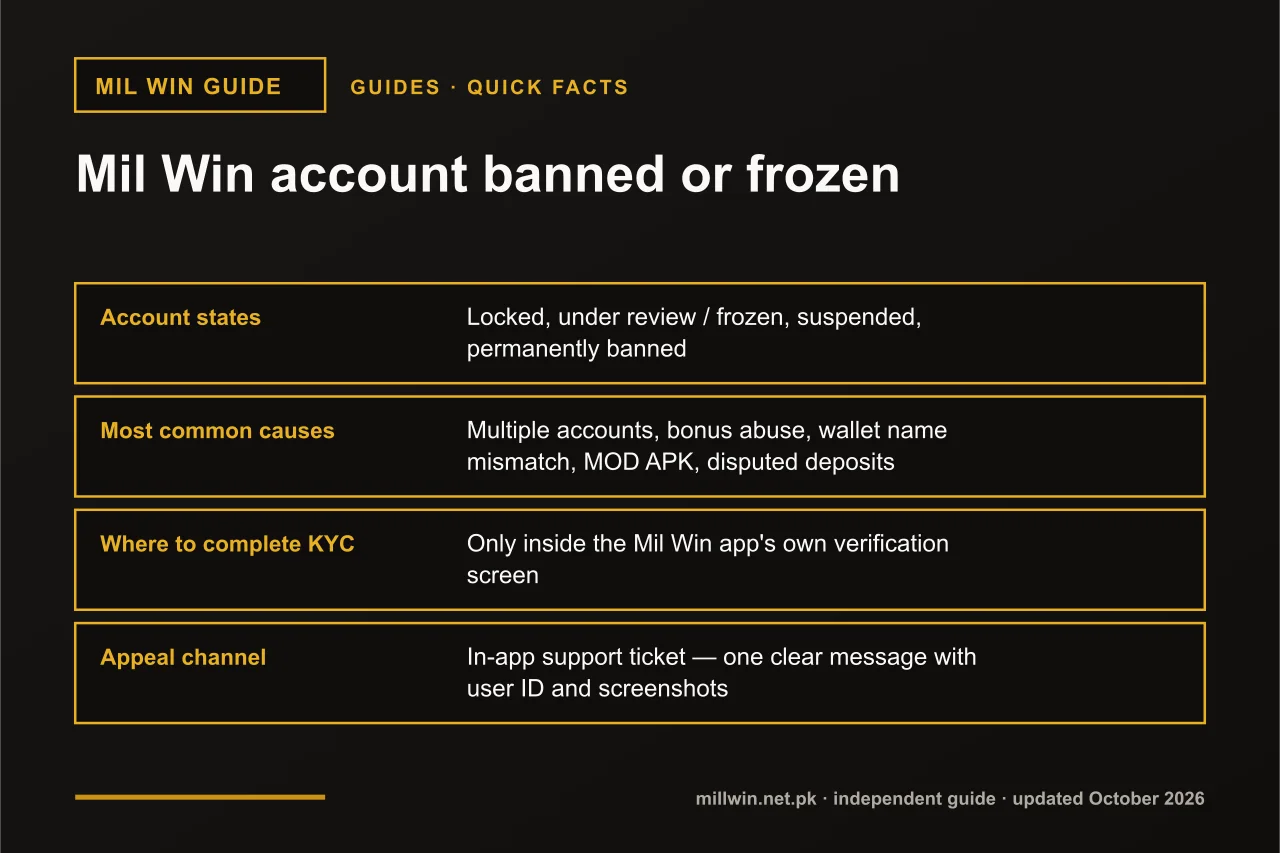 Mil Win Account Banned or Frozen? Causes, KYC and How to Appeal
Guides · 11 min read
Mil Win Account Banned or Frozen? Causes, KYC and How to Appeal
- Guides
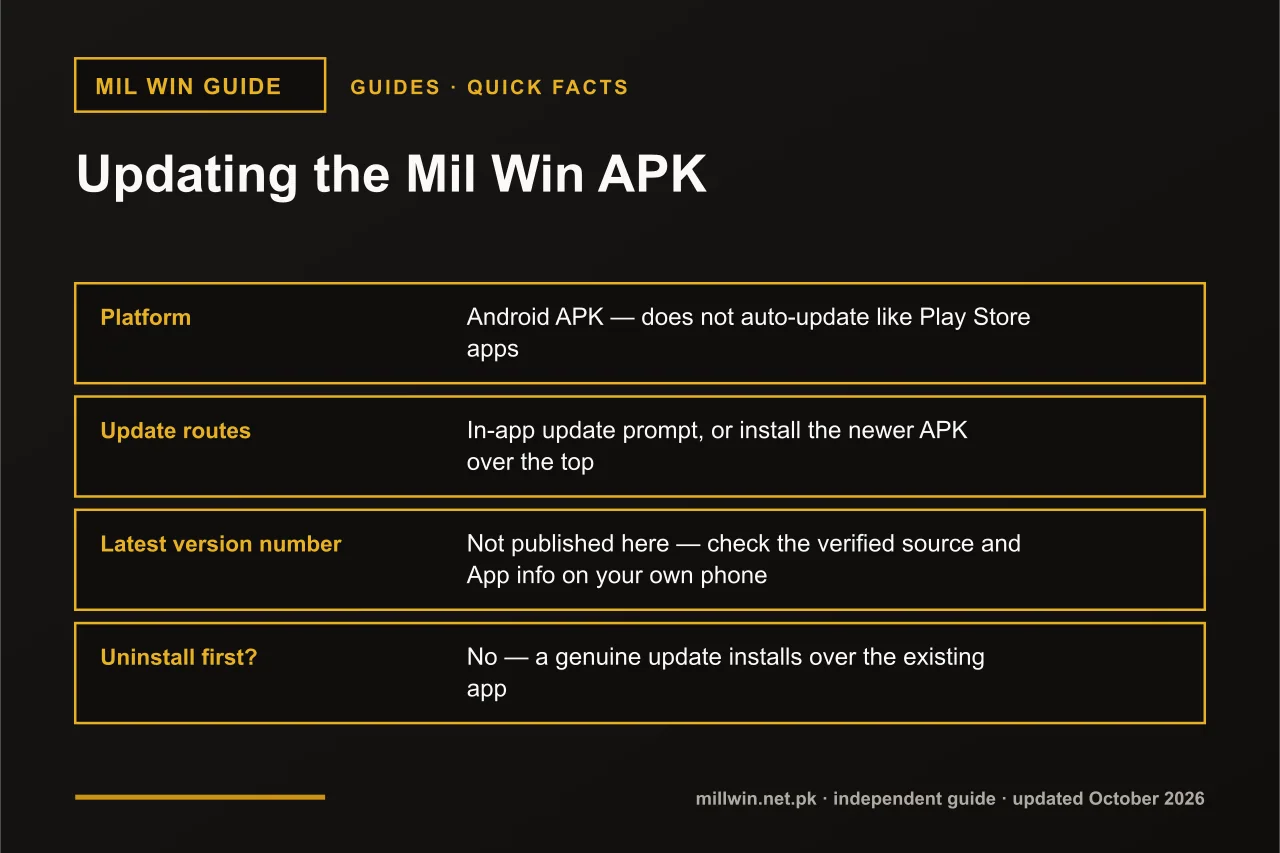 Mil Win APK Latest Version: How to Check and Update Safely
Guides · 8 min read
Mil Win APK Latest Version: How to Check and Update Safely
- Guides
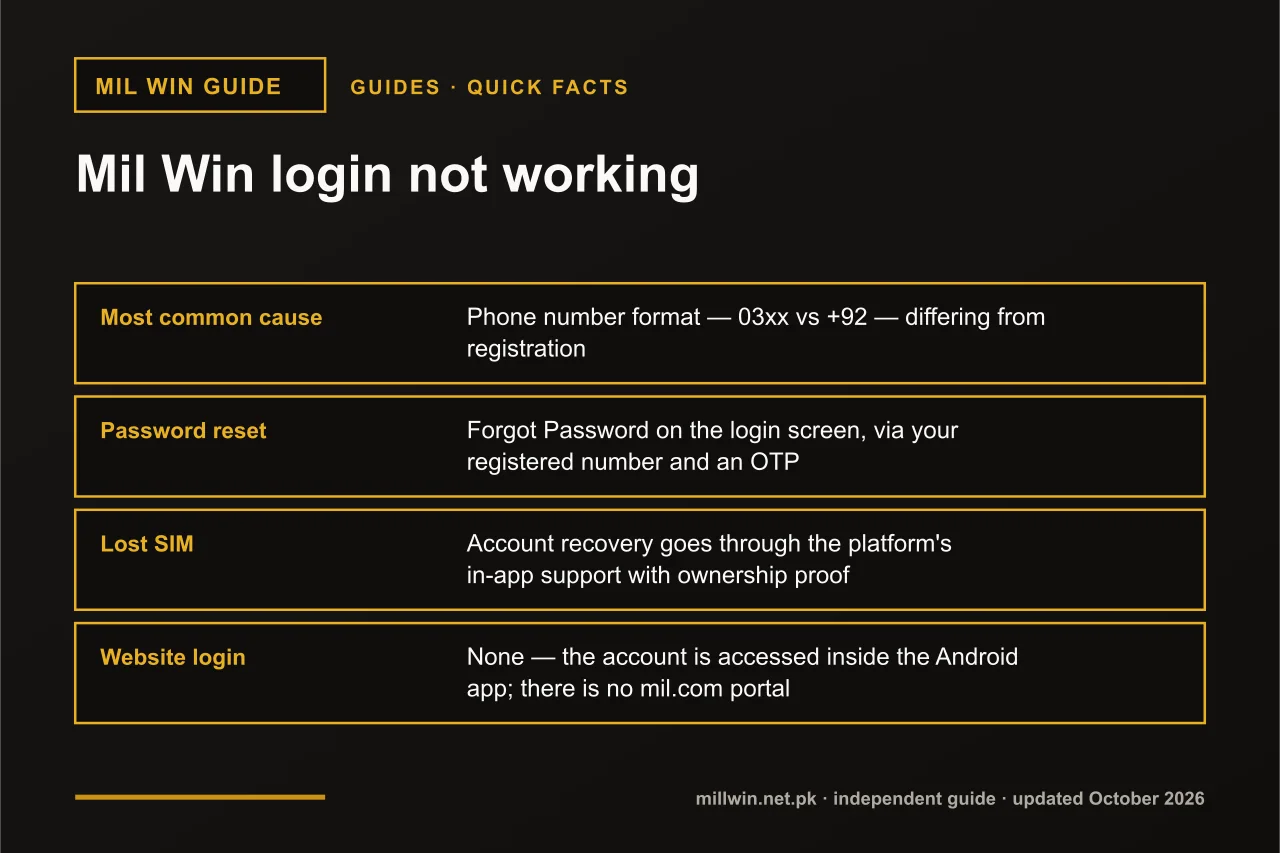 Mil Win Login Not Working? Causes, Fixes and Account Recovery
Guides · 10 min read
Mil Win Login Not Working? Causes, Fixes and Account Recovery