
- Author
- Editorial Team
- Published
- Reading time
- 3 min read
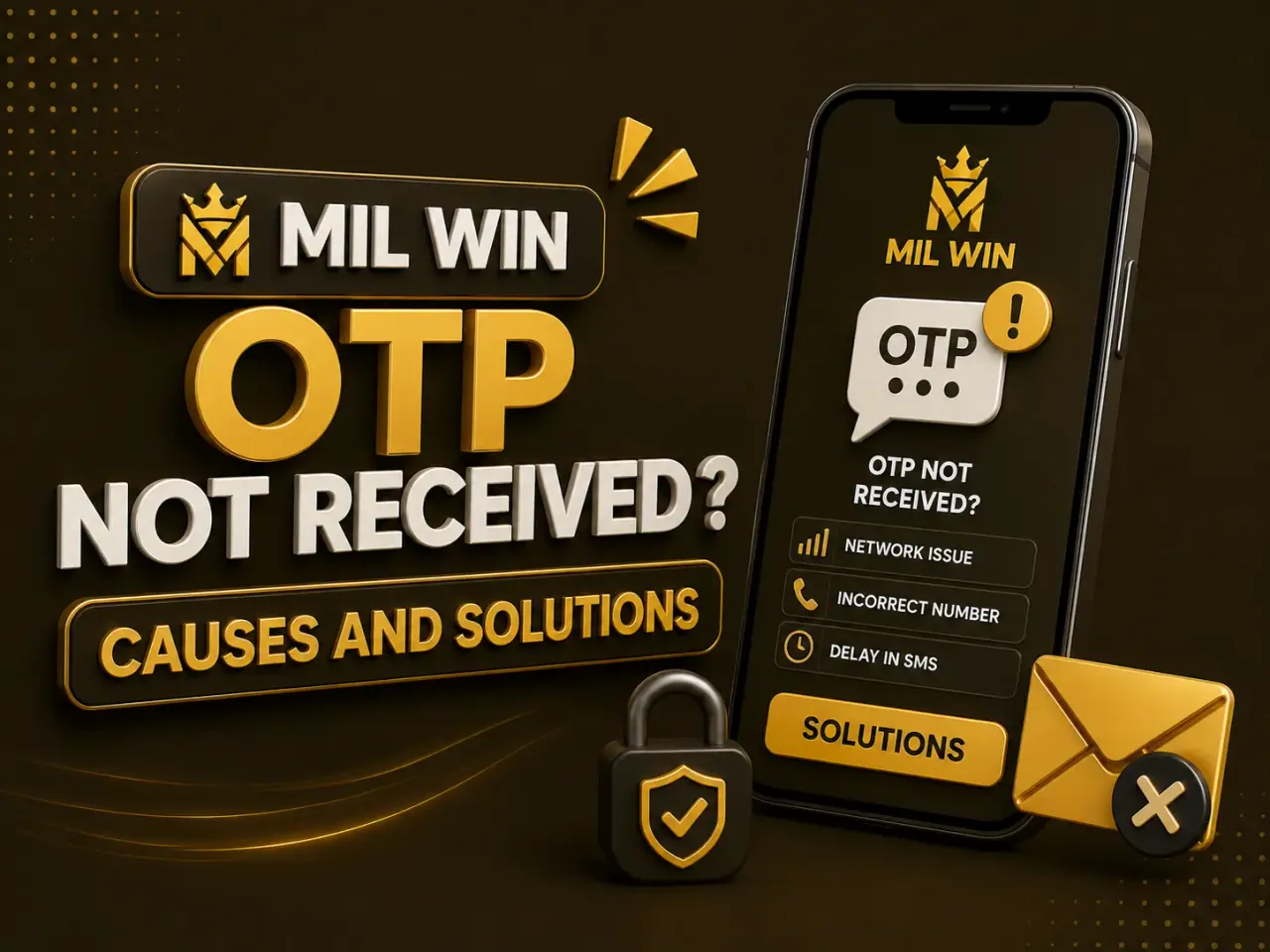
A Mil Win OTP not received problem can stop registration, login, password recovery, or account verification.
OTP stands for one-time password. It is usually sent to the mobile number connected with the account and is designed to confirm that the person trying to access the account controls that number.
If the code does not arrive, do not keep requesting new OTPs repeatedly. Start with the basic checks below.
Check Your Phone Number
The first thing to review is the mobile number entered on the screen.
A single missing or incorrect digit can prevent the message from reaching you.
Check whether the platform expects:
- local Pakistani number format;
- country-code format;
- a number without the first zero.
Follow the format shown on the current Mil Win screen.
Check Mobile Signal
SMS verification needs an active mobile connection.
If your signal is weak:
- move to an area with better coverage;
- turn airplane mode on and off;
- restart your phone;
- wait briefly before requesting another OTP.
A poor internet connection may affect the request, while poor mobile-network coverage can affect SMS delivery.
Wait Before Requesting Another Code
Repeated OTP requests can create confusion because several codes may arrive at different times.
Usually, only the newest code remains valid.
Request one code and allow some time for delivery before trying again.
Check Your SMS Inbox
Look through:
- normal SMS inbox;
- blocked messages;
- spam filtering;
- archived messages.
Some phones or security applications may filter automated messages.
Restart the Mil Win App
If the request button does not respond properly, close the app and reopen it.
You can also check whether:
- the internet connection is working;
- the app is outdated;
- the verification page has frozen.
Avoid uninstalling the application immediately if you have account information you have not backed up.
See how Mil Win APK installation works →
OTP Arrives but Does Not Work
An OTP may fail because:
- it has expired;
- you entered an older code;
- a newer code was requested;
- there is a typing mistake;
- the verification session has ended.
Return to the verification screen and request a fresh code only when necessary.
OTP Problem During Registration
If you are creating a new Mil Win account, confirm that the number has not already been registered.
A previously registered number may need the Login or Forgot Password option instead of another signup attempt.
Read the Mil Win register guide →
OTP Problem During Password Recovery
Make sure you are using the same phone number connected with your existing account.
If you changed or lost that SIM, the normal SMS recovery process may not work.
Use the verified support or account recovery channel shown by the platform.
Open the Mil Win sign-in guide →
Never Share Your OTP
An OTP is a security code.
Do not send it to:
- WhatsApp agents;
- Telegram groups;
- strangers offering account recovery;
- people claiming to process withdrawals;
- anyone asking for remote phone access.
Someone with your OTP may be able to access protected account functions.
Avoid Fake Verification Pages
A fake Mil Win login or verification page can request an OTP and forward it to another person.
Before entering a code, confirm:
- website spelling;
- HTTPS connection;
- app source;
- page destination.
Never enter an OTP into a page opened from an unknown message.
What If Nothing Works?
If the OTP still does not arrive:
- save a screenshot of the error;
- note the time of the request;
- confirm the registered phone number;
- contact the current verified support channel;
- avoid sending your password or OTP to support.
Conclusion
A Mil Win OTP not received problem is often caused by an incorrect number, weak network signal, delayed SMS delivery, repeated requests, or account verification issues.
Check each cause one by one and protect your verification code throughout the recovery process.
Frequently Asked Questions
Why is my Mil Win OTP not received?
Common causes are an incorrect number, weak network signal, delayed SMS delivery, repeated requests, or account verification issues. Check each one before requesting another code.
Why does my OTP arrive but not work?
It may have expired, you may have entered an older code, a newer code may have been requested, there may be a typing mistake, or the verification session may have ended.
Should I send my OTP to support?
No. An OTP is a security code. Someone with your OTP may be able to access protected account functions.
Related reading
- Guides
 Mil Win Login Not Working? Causes, Fixes and Account Recovery
Guides · 10 min read
Mil Win Login Not Working? Causes, Fixes and Account Recovery
- Guides
 Mil Win Account Banned or Frozen? Causes, KYC and How to Appeal
Guides · 11 min read
Mil Win Account Banned or Frozen? Causes, KYC and How to Appeal
- Guides
 Mil Win App Not Opening? Common Causes and Fixes
Guides · 6 min read
Mil Win App Not Opening? Common Causes and Fixes