
- Author
- Editorial Team
- Published
- Reading time
- 11 min read
You open the app and something is wrong: the login fails, a message says the account is under review, the withdraw button is greyed out, or a notice says the account has been suspended. The first reaction is usually panic — especially with a balance sitting inside.
Before you message anyone, slow down. A "Mil Win account banned" search mixes together at least four different situations: a locked login, a frozen or under-review wallet, a temporary suspension and a permanent ban. They have different causes and different next steps, and treating a simple lock like a ban can make things worse. People also describe this as "mil win account blocked" — it is the same situation under a different name.
This is an independent Mil Win guide site, not the operator; we cannot see your account or speed anything up. What we can do is help you read the message correctly, avoid the scams that circle people in this situation, and send a clean appeal through the only channel that can act — in-app support.
Why is a Mil Win account banned or frozen?
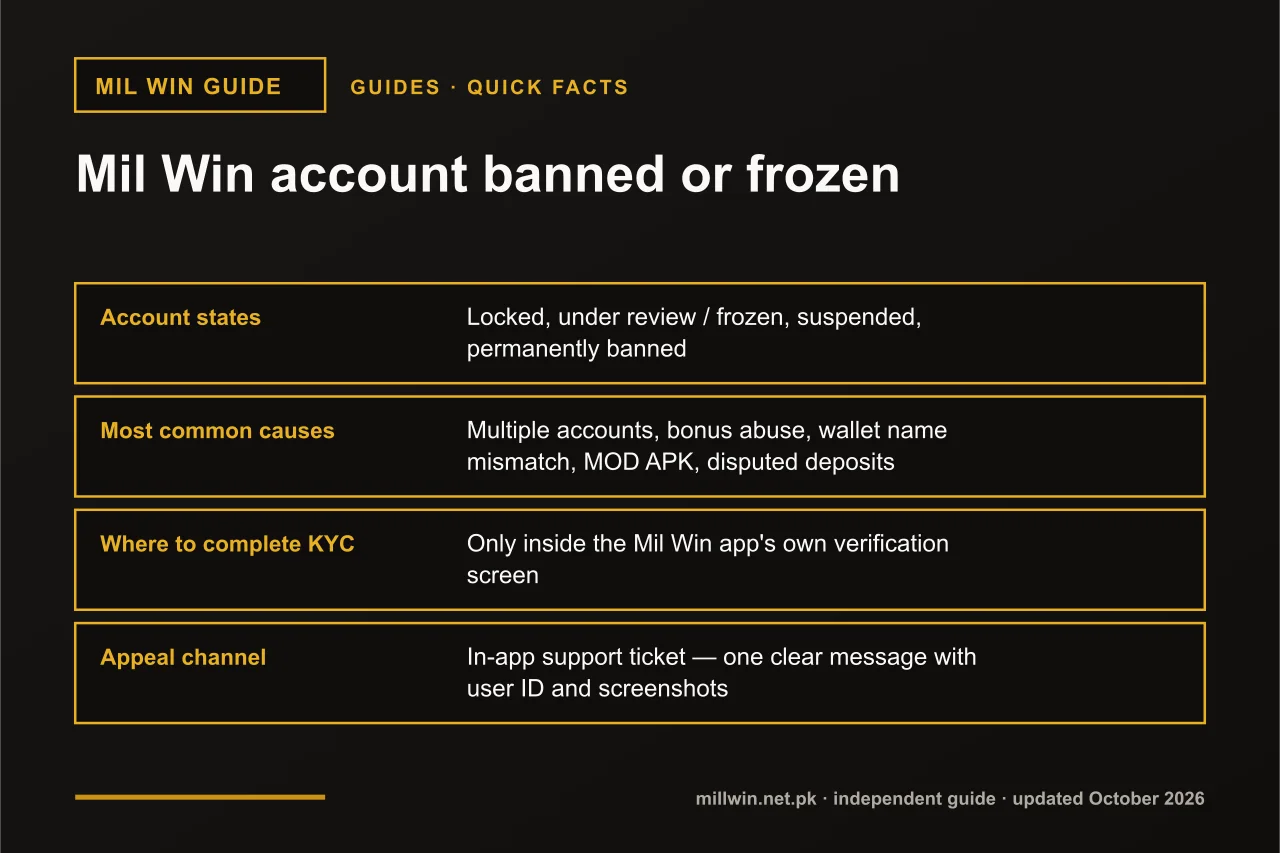
A Mil Win account is usually banned or frozen for one of a few reasons: multiple accounts on one phone or wallet, bonus abuse, a payment name that does not match the profile, disputed deposits, a modified APK or suspicious logins. Locked, under review, suspended and banned are different states, and the fix depends on which one you see.
| Quick fact | Detail |
|---|---|
| Account states | Locked, under review / frozen, suspended, permanently banned |
| Most common causes | Multiple accounts, bonus abuse, wallet name mismatch, MOD APK, disputed deposits |
| Where to complete KYC | Only inside the Mil Win app's own verification screen |
| Appeal channel | In-app support ticket — one clear message with user ID and screenshots |
| Last updated | 10 October 2026 |
Key Takeaways
- A Mil Win account that is locked, frozen, suspended or banned is four different problems with different next steps.
- Most Mil Win bans come from multiple accounts, bonus abuse, a mismatched payment name, disputed deposits or a modified APK.
- A frozen Mil Win account usually still shows the balance, and it becomes withdrawable once the KYC or payment check passes.
- Upload Mil Win KYC documents only inside the app, and never open a second account while the first is under review.
Locked, Frozen or Banned? Why the Wording Matters
Platforms like Mil Win separate login security from account standing. A locked account is a login problem: the system stopped someone (maybe you) getting in. A frozen or under-review account is a risk or payment problem: you can log in, but money cannot move until a check finishes. A suspended or banned account is a rules problem: the platform believes a term was broken.
The exact labels inside the app may differ — "restricted", "limited", "abnormal account" and "blocked" are all common wording. Match what you see to the closest row below.
| State you see | What you can still do | Likely reason | Next step |
|---|---|---|---|
| Locked / too many attempts | Nothing until the lock clears; login is refused | Wrong password or OTP entered repeatedly, new device, or a login from an unusual location | Wait, then reset the password through the app; do not keep retrying |
| Under review / verification required | Log in, view balance and history; deposits may work, withdrawals do not | A withdrawal request triggered a KYC or identity check, or details changed recently | Complete verification inside the app only; keep playing to a minimum until it clears |
| Balance frozen / withdrawal restricted | Log in and play, but the wallet or part of it is held | Payment name mismatch, bonus turnover not met, duplicate account check or a disputed deposit | Fix the bound wallet details, read the bonus terms, then send one clear appeal |
| Temporarily suspended | Usually nothing; a notice may show a reason or a date | Suspected rule breach that the platform is still assessing | Appeal once with your user ID, the date and your account of events; wait for the reply |
| Permanently banned / closed | Nothing; login is refused with a closure notice | Confirmed breach such as multiple accounts, fraud, chargebacks or a modified APK | Request a written reason and the status of any verified balance; do not open a new account |
If your situation is purely a login failure with no mention of review or suspension, the dedicated troubleshooting guide for login errors is the better place to start.
See how to recover a Mil Win account →
Why Is My Mil Win Account Banned or Frozen? Common Causes
People asking "why mil win account banned" usually expect a mysterious reason. In practice, most restrictions come from a short list of triggers that appear in the terms of almost every real-money gaming platform.
- Multiple accounts — two or more accounts on the same phone, SIM, device ID or wallet, even if one belongs to a family member;
- Bonus abuse — claiming welcome or referral bonuses repeatedly, inviting yourself, or withdrawing bonus money before the turnover condition is met;
- Mismatched payment name — the JazzCash, Easypaisa or bank account name does not match the name on the Mil Win profile or CNIC;
- Chargebacks and disputed deposits — reversing a payment with the wallet provider after the money has been played;
- Using a MOD or hacked APK — modified clients are easy for a server to detect and usually lead to a permanent ban;
- Suspicious login location — rapid logins from different cities or countries, or heavy VPN use, can trigger an automatic lock;
- KYC not completed — a withdrawal above an internal threshold often cannot proceed until identity is verified.
Most of these are avoidable and several are honest mistakes — a sibling registering on the same phone, or a wallet under a father's CNIC. That matters for the appeal: an honest mismatch is usually fixable, while a modified APK rarely is.
See what a so-called Mil Win hack really does →
Mil Win Account Locked: Login Security Problems
A lock is the mildest state and the one most often mistaken for a ban. Typical signs: "account locked", "too many attempts", "verify it is you", or an OTP that is requested but then refused. Nothing has happened to your balance; the gate has simply closed.
Do not hammer the login button or request OTP after OTP — many systems extend the lock each time. Wait, check your SIM has a signal, then use the app's own forgot-password flow. If the lock followed a login you did not make, change the password as soon as you regain access.
Mil Win Account Frozen or Under Review: Withdrawal and Risk Checks
"Mil win account under review" and "mil win balance frozen" searches peak right after a withdrawal request, and that is no coincidence: platforms run their heaviest checks when money leaves. A first withdrawal, one much larger than before, or one shortly after a bonus are the classic triggers.
In this state you can usually still log in and see the balance. That is a good sign: the money is held pending a check, not confiscated. The check may be identity (KYC), payment ownership (does the bound wallet belong to you?) or bonus compliance (was the turnover met?). Fix whichever applies instead of opening a second account to "start fresh" — that is exactly what turns a freeze into a ban.
Read the Mil Win withdrawal guide →
Mil Win Account Suspended or Banned: Rules Breach
A suspension means the platform believes a rule was broken and has paused the account while it decides; a ban means the decision has been made. The message usually names a category — "abnormal activity", "multiple accounts", "violation of terms" — rather than a detailed reason.
You still have one useful move: a single, factual appeal asking for the specific reason and the status of any verified, non-bonus balance. Some platforms release a verified deposit balance even when closing an account; many keep bonus-derived funds. That depends on their terms, not on how many messages you send.
Mil Win KYC and Verification: What May Be Asked
KYC stands for "know your customer" — identity verification. Mil Win verification, when it appears, is likely to look like the process on other real-money apps in Pakistan. The exact documents are set by the platform and can change, so treat this list as what to be ready for, not as a guarantee:
- a photo of the front (and sometimes back) of your CNIC;
- a selfie, sometimes holding the CNIC or following an on-screen prompt;
- confirmation that the name on your bound JazzCash, Easypaisa or bank account matches the CNIC;
- occasionally a screenshot of the wallet account showing the account holder's name.
Verification itself is normal; where you hand over the documents is where people get hurt. The frozen-account moment is a favourite hunting ground for fake "KYC agents" on WhatsApp and Telegram, because a worried user with money locked up will send almost anything.
If a payment-name mismatch is the cause, the fix happens on the binding screen, not in a chat. Correct the bound account so the holder name matches your profile exactly, then let support know it has been updated.
See how JazzCash and Easypaisa binding works →
How to Appeal Through In-App Support
Whether your Mil Win account is blocked, frozen or banned, the appeal path is the same: the support or customer-service option inside the app (or, if you cannot log in, the help link on the login screen). Numbers and chat IDs posted on social media are not that channel.
- Screenshot the exact message you see, including any error code and the date and time.
- Collect your user ID, registered phone number, and the dates and amounts of recent deposits, withdrawals and bonuses.
- Decide which cause is most likely from the table above and gather the matching evidence (for example a wallet screenshot showing your name, or a deposit receipt).
- Send one message that states facts in order, asks a clear question and lists what you can provide. Do not send ten short messages — one ticket is easier to act on.
- If verification is requested, complete it in the app's own screen and reply on the same ticket saying it is done.
- Wait for a reply before sending a follow-up. Repeating the ticket can push it to the back of a queue.
A simple template you can adapt — replace the brackets and keep it short:
Subject: Account restricted - request for review

User ID: [your Mil Win user ID]
Registered number: [03xx-xxxxxxx]
Date and time noticed: [DD-MM-YYYY, HH:MM]
Message shown: "[exact wording / error code]"

What happened:
- [e.g. Requested a withdrawal of PKR ___ on DD-MM; account marked under review the same day]
- [e.g. I have one account only, used on one phone]
- [e.g. My Easypaisa account name is ___, same as my CNIC]

Question: Please tell me the specific reason for the restriction and what I need to provide to resolve it.

Documents ready to upload in-app if required: CNIC front/back, selfie, wallet screenshot showing account name.
Tone matters: a calm, complete ticket is easier to escalate than an angry one. For more on reaching support and avoiding fake helplines, see the customer-service guide.
Read how to contact Mil Win customer service →
What Happens to the Balance in a Frozen Account?
This is the question behind most "mil win balance frozen" searches, and the honest answer is: it depends on why it was frozen and what the money is made of.
In the common case — a KYC or payment-ownership check — the balance stays visible and becomes withdrawable once verification passes. Where bonus money is involved, platforms often separate the deposited amount from the bonus; the bonus and winnings tied to an unmet turnover condition may be removed, while the deposit portion may be released. In a confirmed-fraud or multiple-account case, terms frequently allow the balance to be voided.
Never accept an offer from anyone outside the app to "unfreeze" the balance for a fee or "transfer" it to a new account — both are standard scams. Check the bonus rules you accepted so you know what portion of the balance is realistically recoverable.
Read how Mil Win bonuses and rewards work →
Realistic Expectations and Timelines
We are not going to give you a number of hours or days, because any figure we quoted would be invented. Review times vary with the type of check, the queue, whether your documents were accepted first time, and factors nobody outside the platform can see.
What is reasonable to expect: a lock clears fastest, often on its own; a verification review depends on you uploading clear documents promptly; a suspension review takes longest because a human is judging it; a permanent ban is rarely reversed, though a verified deposit balance is sometimes returned. If you hear nothing after a sensible wait, send one polite follow-up on the same ticket.
Prevention Checklist: Keep Your Mil Win Account in Good Standing
Almost every "milwin account banned" story online could have been avoided with a few habits:
- One person, one account, one phone — do not let friends or family register on your device or SIM.
- Bind only a JazzCash, Easypaisa or bank account that is in your own name, matching your CNIC and profile.
- Read the turnover and expiry terms before accepting any bonus; decline bonuses you do not intend to play through.
- Never reverse or dispute a deposit with your wallet provider after the funds have been credited and played.
- Install the APK from one trusted source and never a MOD, hack or "unlimited coins" build.
- Avoid VPNs and frequent device switching while logged in; log out properly on any shared phone.
- Complete verification early, before your first large withdrawal, and only through the in-app screen.
- Keep screenshots of deposit receipts and transaction IDs so an appeal has evidence attached.
Read how long a Mil Win withdrawal takes →
Read the Mil Win account security checklist →
Conclusion
A Mil Win account that is banned, frozen, locked or under review is four different problems wearing one label. Read the exact message, match it to the table, fix the likely cause — a wallet name, a bonus condition, a pending KYC upload — and send one calm, complete appeal through in-app support.
Protect yourself while you wait: upload documents only inside the app, refuse every outside "unfreeze" offer, and do not open a second account. Those three rules will not guarantee your balance comes back, but breaking them almost guarantees it will not.
Frequently Asked Questions
Why is my Mil Win account banned?
The most common reasons are multiple accounts on one device or wallet, bonus abuse, a payment account name that does not match your profile, disputed deposits, use of a MOD or hacked APK, or suspicious login patterns. The in-app notice usually names a category; ask support for the specific reason in one clear appeal.
What is the difference between a Mil Win account frozen and banned?
A frozen or under-review account lets you log in and see your balance but blocks withdrawals until a check is complete. A banned account refuses login entirely because the platform believes a rule was broken. Freezes are usually resolved by completing verification or fixing payment details; bans are rarely reversed.
Will I get my balance back if my Mil Win account is frozen?
Often yes, if the freeze is a KYC or payment-ownership check and you pass it. Bonus money and winnings tied to unmet turnover conditions may be removed, while deposited funds are more likely to be released. In confirmed fraud or multiple-account cases, terms usually allow the balance to be voided.
Is Mil Win KYC verification safe?
Verification done inside the app's own screen is a normal part of real-money platforms. It becomes unsafe when someone outside the app asks for your CNIC, selfie or wallet details on WhatsApp or Telegram. Never send identity documents to anyone claiming to be an agent, and never pair them with an OTP or wallet PIN.
How long does a Mil Win account review take?
There is no fixed time and any specific figure you see online is a guess. A simple lock often clears on its own, a verification review depends on how quickly clear documents are uploaded, and a suspension review takes longest because a person is making a judgement. Send one follow-up on the same ticket if you hear nothing after a sensible wait.
Can I open a new Mil Win account if my old one is suspended?
It is a bad idea. A second account on the same phone, SIM or wallet is itself a breach of the multiple-account rule and is likely to be linked to the first one. It usually ends any chance of recovering the original account or its balance.
Related reading
- Guides
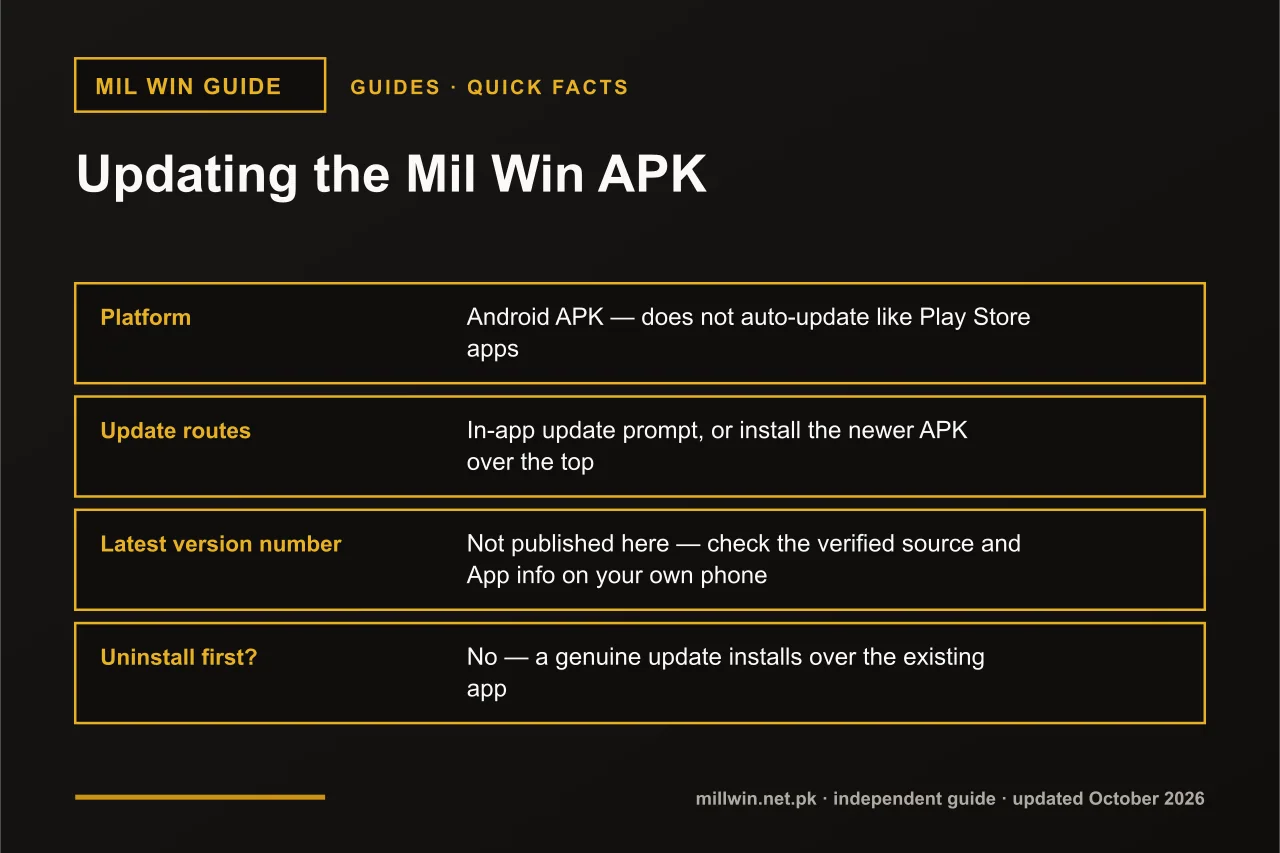 Mil Win APK Latest Version: How to Check and Update Safely
Guides · 8 min read
Mil Win APK Latest Version: How to Check and Update Safely
- Guides
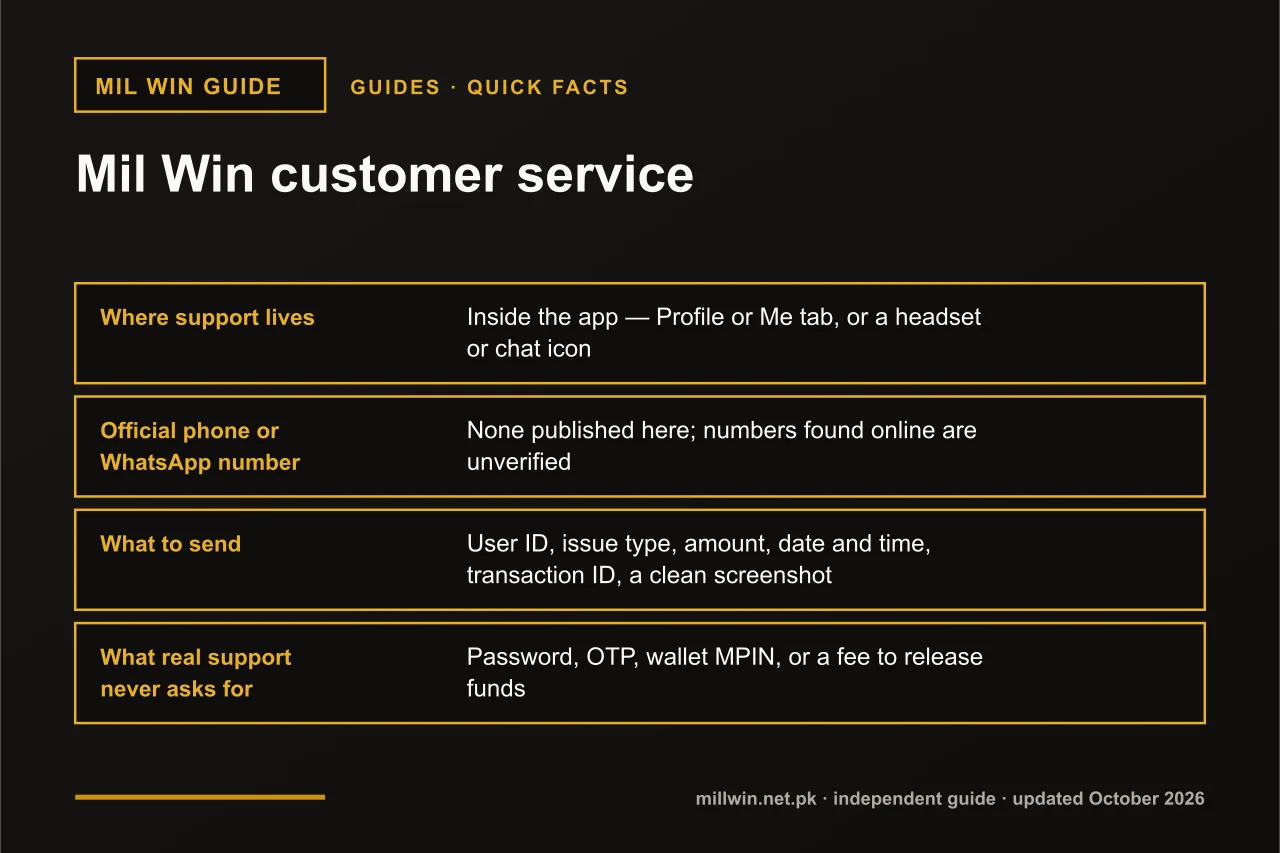 Mil Win Customer Service – How to Contact Support Safely
Guides · 8 min read
Mil Win Customer Service – How to Contact Support Safely
- Guides
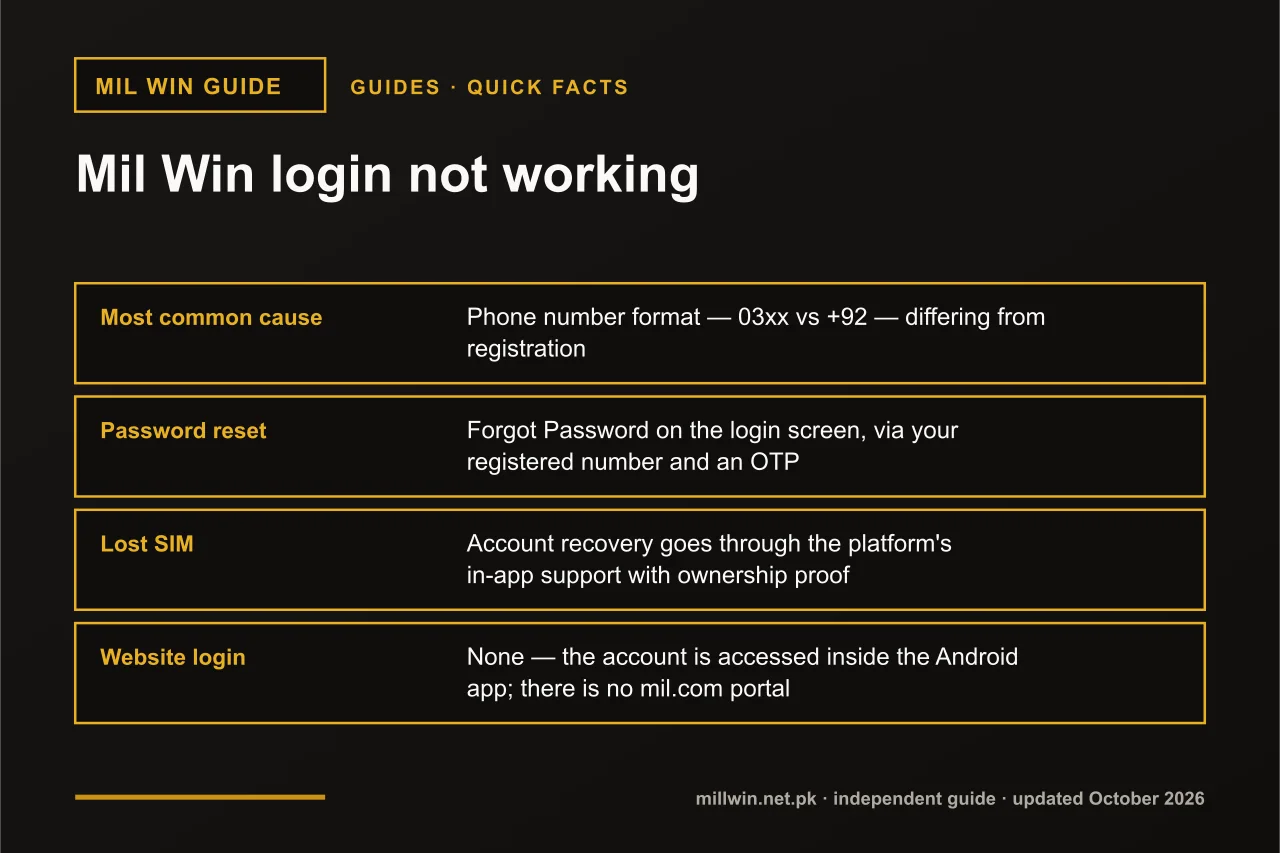 Mil Win Login Not Working? Causes, Fixes and Account Recovery
Guides · 10 min read
Mil Win Login Not Working? Causes, Fixes and Account Recovery